# LoRa Cloud Modem and Geolocation Services
> The LoRa Cloud Modem and Geolocation Services v1 application package communicates the uplinks received from a compatible device to the LoRa Cloud Modem and …
Source: https://www.thethingsindustries.com/docs/integrations/application-packages/lora-cloud-device-and-application-services/
The LoRa Cloud Modem and Geolocation Services v1 application package communicates the uplinks received from a compatible device to the LoRa Cloud Modem and Geolocation Services, and schedules the downlinks received from the service back to the device.
More information on the LoRa Cloud Modem and Geolocation Services can be found in the [official LoRa documentation](https://www.loracloud.com/documentation/device_management?url=overview.html).
## Creating a New Uplink Token
In order to use the LoRa Cloud Modem and Geolocation Services application package, a new access token must be created in order to allow the Application Server to send the uplinks to the Device & Application Services.
The new token can be created in the LoRa Cloud Modem and Geolocation Services portal, in the **Token Management** section.
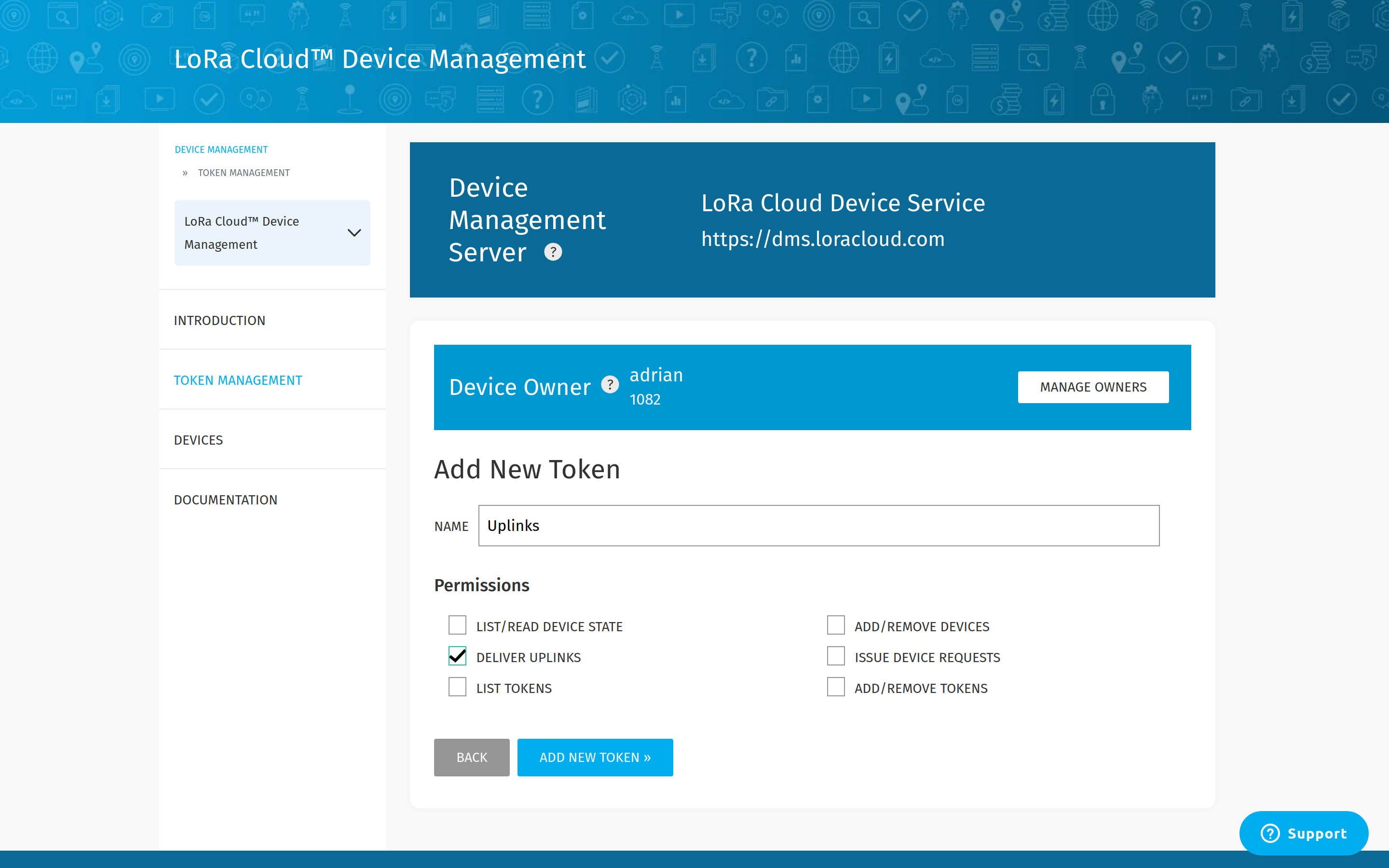
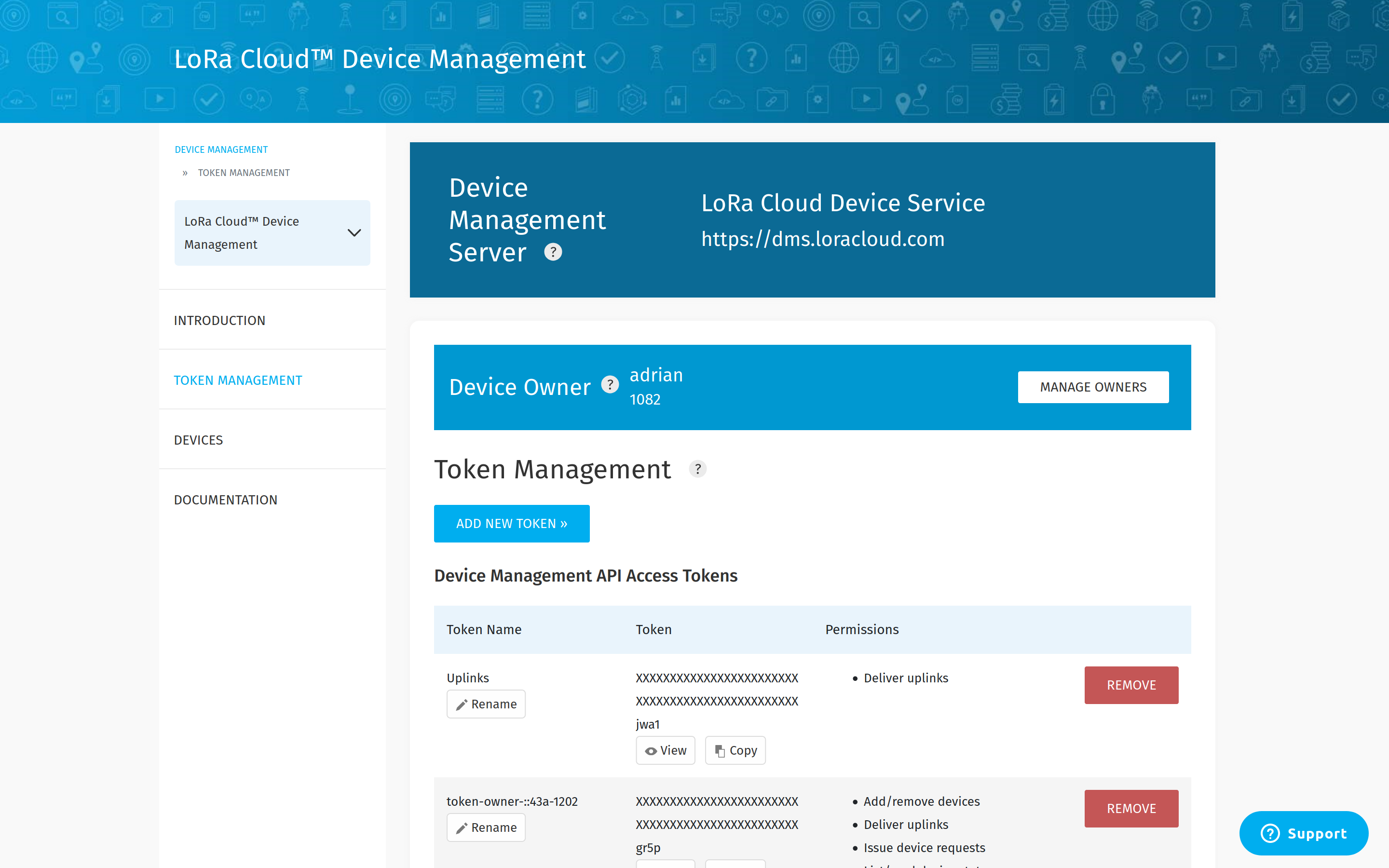
After filling in the token name and clicking the **Add New Token** button, the token will be created.
## Enabling the Package
Command-line interface only
The instructions below use the command-line interface (CLI).
The package can now be enabled using the `default-associations set` command:
```bash
APP_ID="app1"
F_PORT=199
# Create a JSON formatted file containing the uplink token
echo '{ "token": "AQEAdqwV67..." }' > package-data.json
# Create the association
ttn-lw-cli applications packages default-associations set $APP_ID $F_PORT --package-name lora-cloud-device-management-v1 --data-local-file package-data.json
```
This will enable the package on FPort `199` of all of the devices of application `app1`. You can now use the LoRa Cloud Modem and Geolocation Services in order to manage your device!
Output
```json
{
"ids": {
"application_ids": {
"application_id": "app1"
},
"f_port": 199
},
"created_at": "2019-12-18T10:35:15.565807113Z",
"updated_at": "2019-12-18T22:06:21.693359719Z",
"package_name": "lora-cloud-device-management-v1",
"data": {
"token": "AQEAdqwV67..."
}
}
```
Command-line interface only
The instructions below use the command-line interface (CLI).
The package may be configured to use a custom server URL using the package data:
```bash
# Create a JSON formatted file containing the uplink token and the server URL
echo '{ "token": "AQEAdqwV67...", "server_url": "https://app.example.com/" }' > package-data.json
# Create or update the default association
ttn-lw-cli applications packages default-associations set $APP_ID $F_PORT --package-name lora-cloud-device-management-v1 --data-local-file package-data.json
```
Output
```json
{
"ids": {
"application_ids": {
"application_id": "app1"
},
"f_port": 199
},
"created_at": "2020-05-14T02:04:45.286874524Z",
"updated_at": "2020-05-14T02:04:45.286874524Z",
"package_name": "lora-cloud-device-management-v1",
"data": {
"server_url": "https://app.example.com",
"token": "AQEAdqwV67..."
}
}
```